
Add in seconds
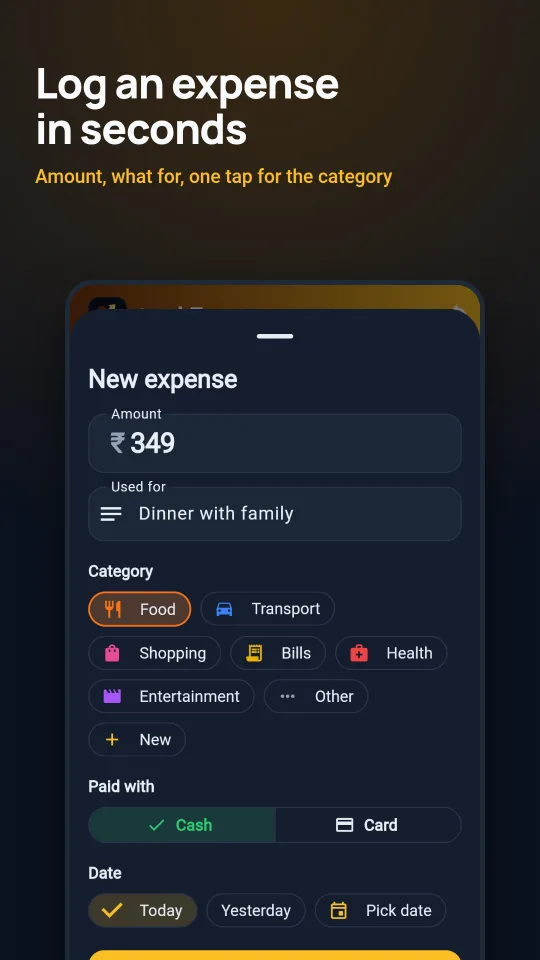
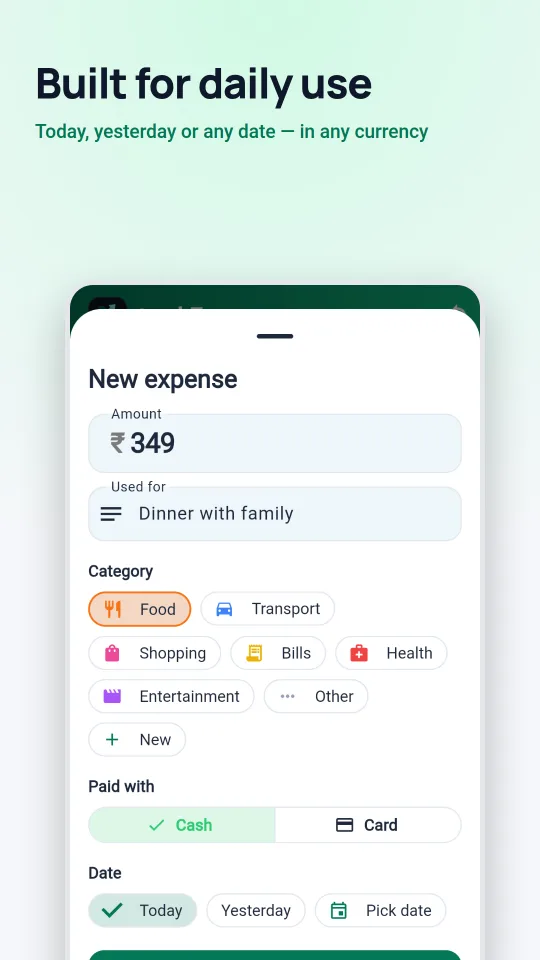
Amount, what it was for, a category tap. Cash or card, today, yesterday or any date.
Smart expense tracking
trackEx is a fast, private expense tracker for Android. Log spending in seconds, stay on budget, and — if you like — sync everything to a Google Sheet in your own Drive. No trackEx account. No trackEx server.
Features
Amount, what it was for, a category tap. Cash or card, today, yesterday or any date.
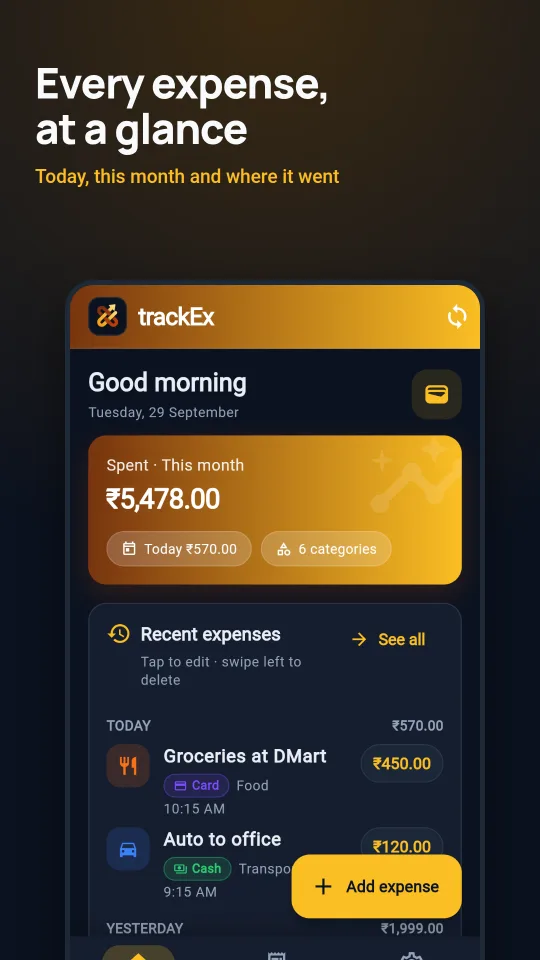
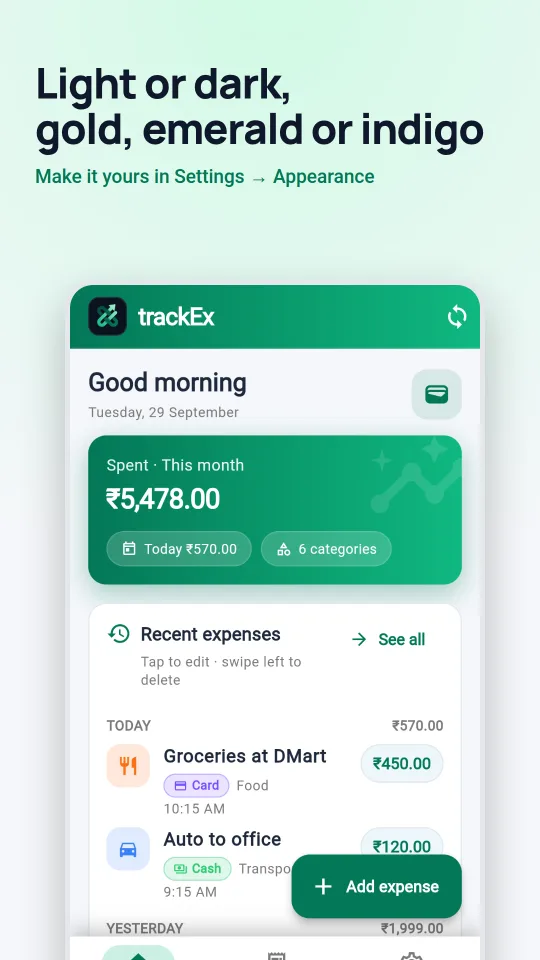
Recent expenses with daily totals. Tap to edit, swipe left to delete — with Undo.
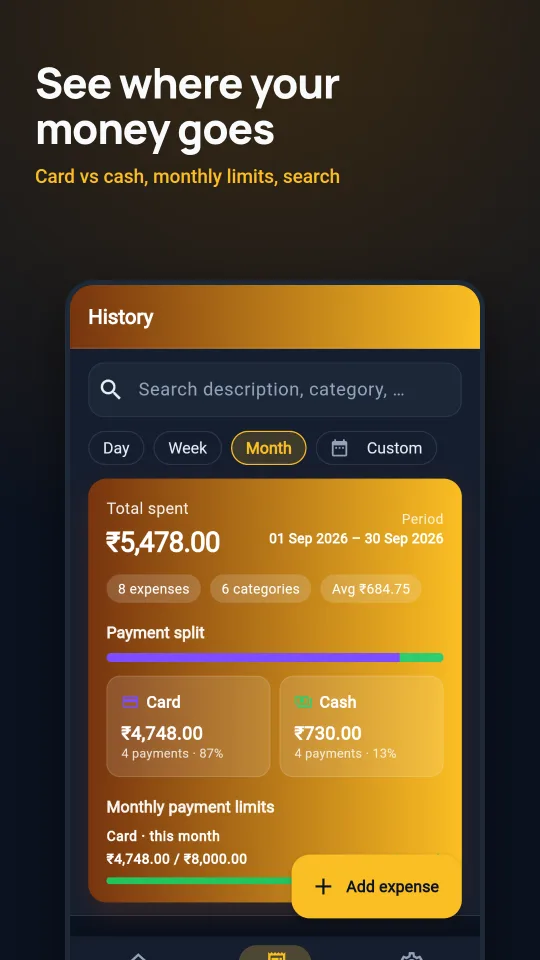
Category chart for a day, week, month, year or any custom range. Search your full history.
Monthly limits per category and for card and cash, with colour alerts before you overspend.
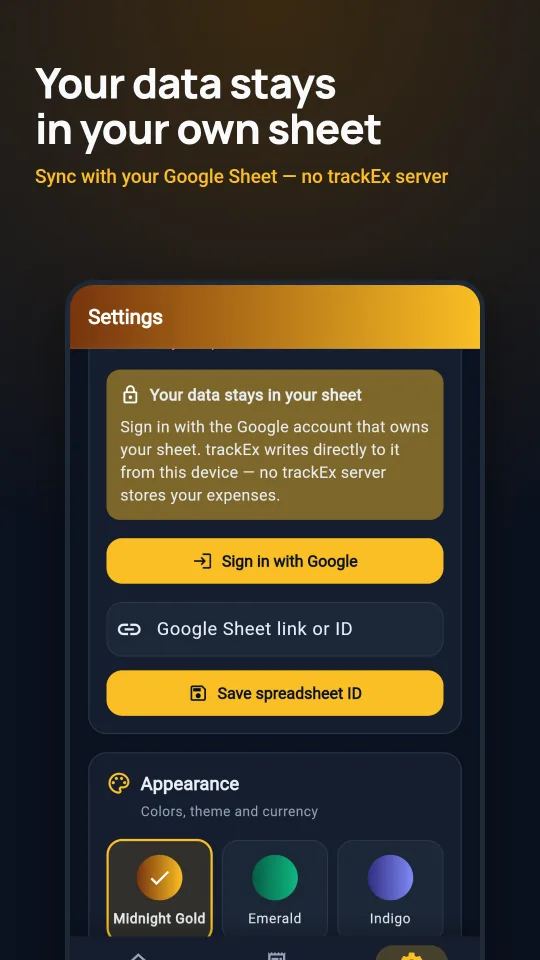
Optional sync to a spreadsheet you own, with monthly tabs and a dashboard built for you.
Light or dark, three colour themes, and your currency: ₹, $, €, £, AED, SAR and more.
A closer look
Google Sheets sync
trackEx works fully offline. Turn on sync only if you want a copy of your expenses in Google Sheets — the app writes straight from your phone to your sheet over an encrypted connection.
Privacy by design
FAQ
Yes. trackEx is free to use and has no ads.
No. Open the app and start adding expenses. Signing in with Google is optional and only needed for Google Sheets sync.
On your phone. If you turn on sync, a copy is also written to the Google Sheet you choose in your own Google Drive. trackEx has no server, so we never receive your expenses.
trackEx needs permission to read and write spreadsheets so it can save your expenses into the sheet you link and build its monthly tabs and dashboard. It doesn't open any other file, and it doesn't send your data anywhere else. You can remove access any time at myaccount.google.com/permissions.
Yes. Everything is saved on your device first. Changes sync to your sheet the next time you're online.
In the app, go to Settings → Delete all data on this device. Your Google Sheet belongs to you — delete it in Google Drive whenever you like.